It's the management layer your team needs to build, run and benchmark agents in production.
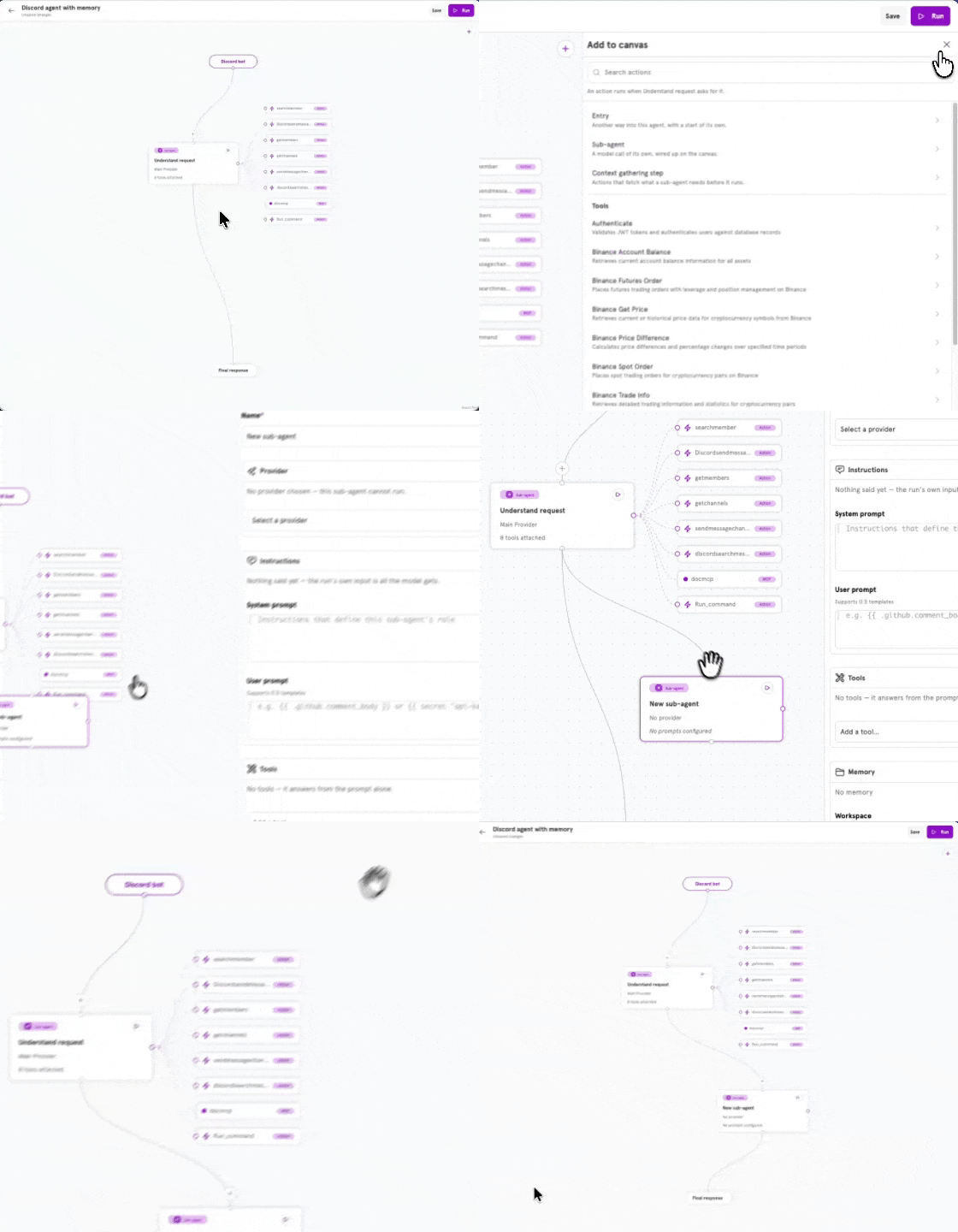
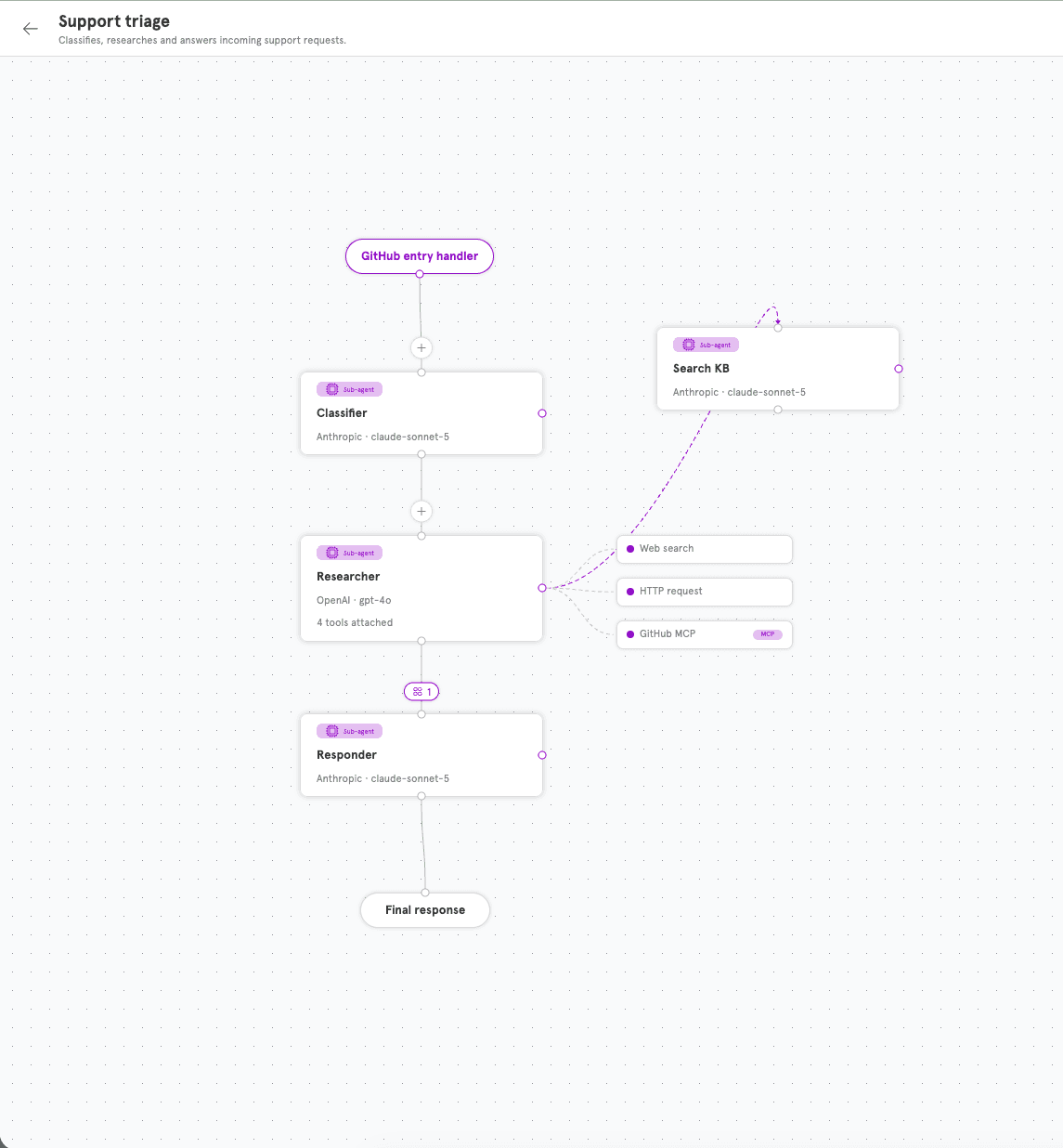
Design your agent visually. Lay out its prompts, tools, decision branches and guardrails on a single canvas, then run it on the same platform you built it in.
Add a sub-agent, attach its tools, pick its model. See the whole architecture at a glance instead of tracing it through code.

Product and ops teams design agents on the canvas. Engineers open the same agent as YAML to review it in a pull request, version it in Git, and ship it with the rest of the code.
name: Support triage
config:
entries:
- type: handler
handler: github
start: agent.classifier
agents:
classifier:
providerID: 1
systemPrompt: Label the issue.
next: agent.researcher
researcher:
providerID: 2
tools: [web_search, http, github_mcp]
next: agent.responder
responder:
providerID: 1
next: end
Agents run shell commands, read files and call tools. Servflow runs all of it inside an operating-system sandbox, on an engine written in Go so it stays small and quick.
$ git clone repo && make test{{ secret "github-token" }}Watch an agent go from an empty canvas to a working run.
Attach any of the 40+ built-in actions, point a sub-agent at an MCP server, or hand a task to another sub-agent on the canvas. Tools are wired visually and versioned with the agent.
Every plan is fully managed. Start free and upgrade as your agents take on more work.
A permanent free tier for building and trying out agents.
For teams putting their first agents into production.
For agents running at higher volume and concurrency.
Sign up for early access, demos, and a chance to help guide product development.